

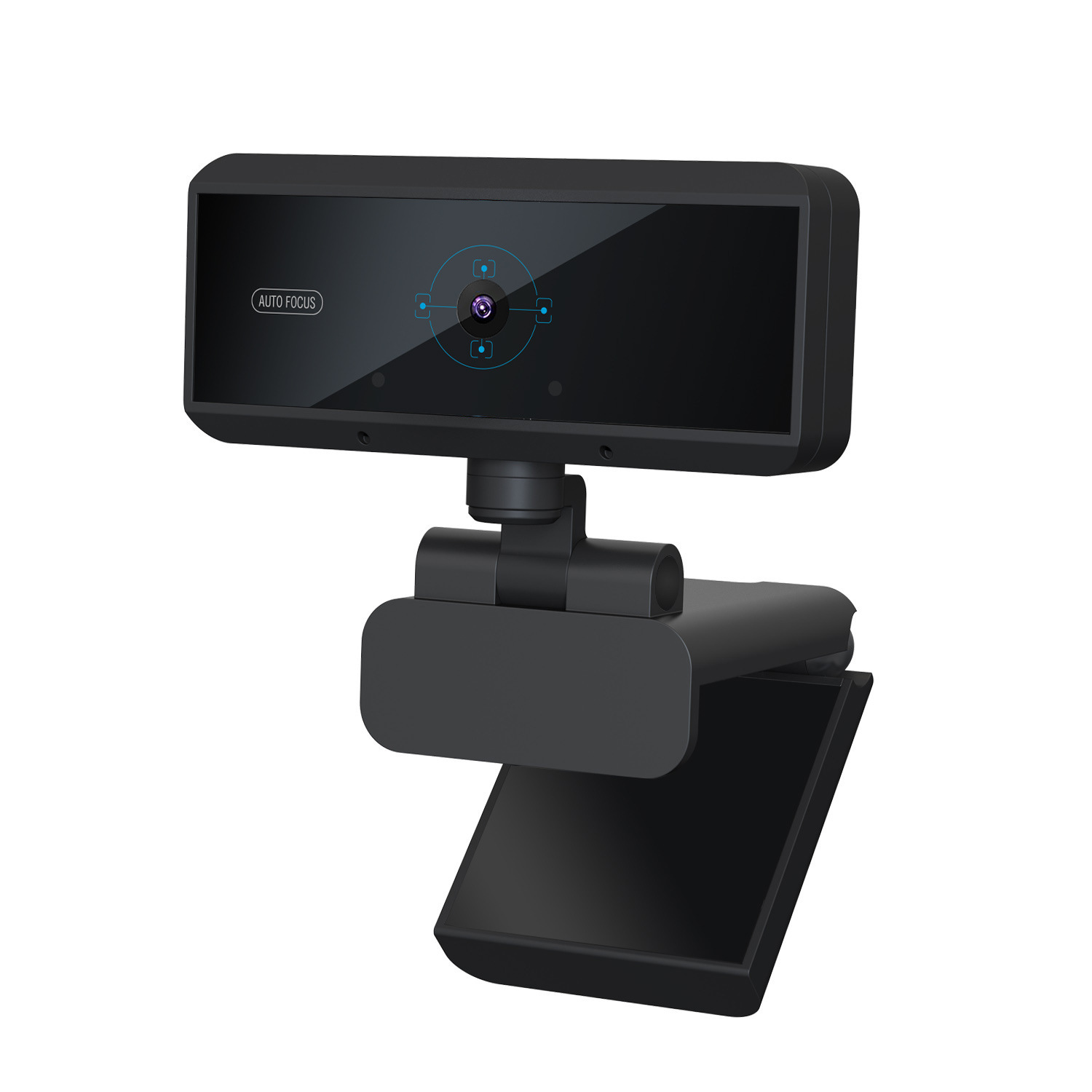
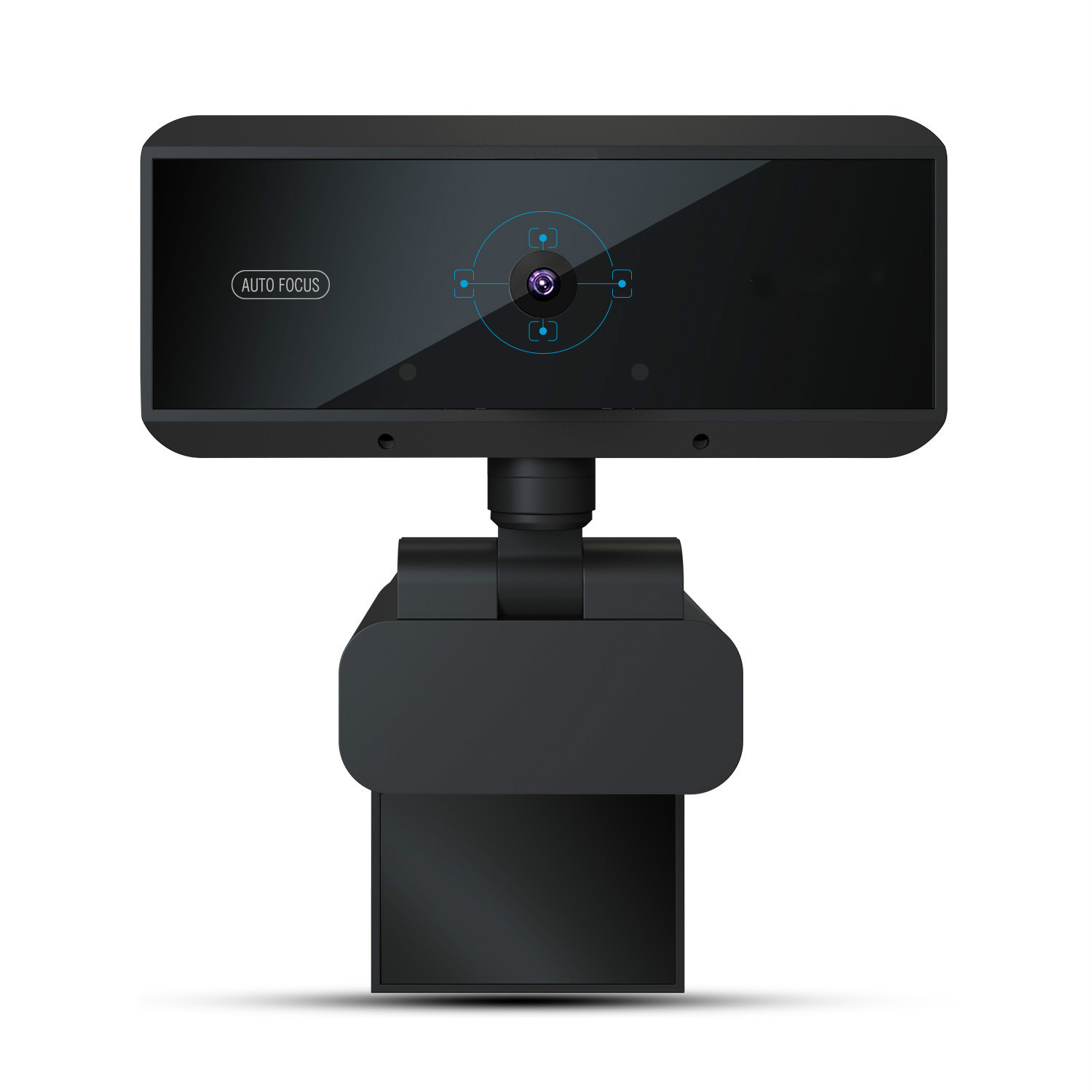
W5 HD computer camera
Product details
| Management number | 205472029 | Release Date | 2025/10/19 | List Price | $204.00 | Model Number | 205472029 | ||
|---|---|---|---|---|---|---|---|---|---|
| Category | |||||||||
Product name: W5 HD computer camera
Interface: compatible with USB2.0, 3.0.
Sensor: Full HD CMOS sensor
FPS: 30
Product size: 10*7.8*2.8cm
Packing size: 15.6*8.8*4.7cm
Resolution: 2592*1944, 2048*1536, 1920*1080, 1280*720,
Pixels: 5 million pixels
Lens: 6-layer glass coated lens
Microphone: All digital noise reduction microphone
Focusing: 5 million pixel autofocus gets rid of the cumbersome focus
System support: WindowsXP/VISTA/win8/win10 and Mac OSX system
Chat software support: Yahoo, Skype, MSN, QQ, alitalk
feature:
1. Automatic light enhancement suitable for poor lighting conditions.
2. Built-in MIC
3. Built-in soundproof microphone
4.Trirop ready universal clip laptop and LCD monitor
Applicable to: portrait photography, video conference, video call, HD recording, etc.
feature:
The optical lens 6-layer lens keeps improving;
1080P HD, play and record vivid 1080P 30fps HD video, and present wonderful details at 30fps"
360° spiritual rotation design angle switch whatever you want;
USB direct connection driver-free, compatible with mainstream operating systems Windows and Mac on the market;
Built-in digital noise reduction microphone, the sound is clearer, sensitive sound absorption at a distance of 8 meters, the picture is synchronized, and the communication is barrier-free
note:
After W5 USB, plug the USB into a computer or laptop
After the device is powered on, the W5 LED color is red.
2. The computer will automatically install the driver.
If your computer (laptop) has a built-in camera, you need
Change the default camera settings. If changed
Default camera in chat software settings, or disabled
In the computer settings of the built-in camera.
3. After the installation is complete, you can have a video chat
Directly through the chat tool.
4: If the video window is opened, the W5 LED will now change
From red to green, indicating that the camera device can be used
Normally, otherwise the camera will always be red.


Bestseller ranking
Camera & Photo


Customers who viewed this product also viewed
Brushes





Correction of product information
If you notice any omissions or errors in the product information on this page, please use the correction request form below.
Correction Request Form